Claude Just Got a Clock
Scheduled tasks in Cowork move AI from "ask when you remember" to "runs whether you're there or not." Here's what that changes for solo founders.

Most people will read “scheduled tasks” and think convenience feature.
It’s not.
Anthropic just changed Claude from something you sit down and prompt into something you can assign recurring work to. You describe the job once. You set the cadence. Claude runs it on your desktop using the same tools, connectors, and skills you already have configured.
That is a different relationship with AI.
The Second Prompt That Never Happens
Every take I’ve seen so far frames this as automation. Technically accurate. Completely misses the point.
The real bottleneck for most people using AI is not “getting a good answer.”
It’s remembering to come back and do the same useful thing again.
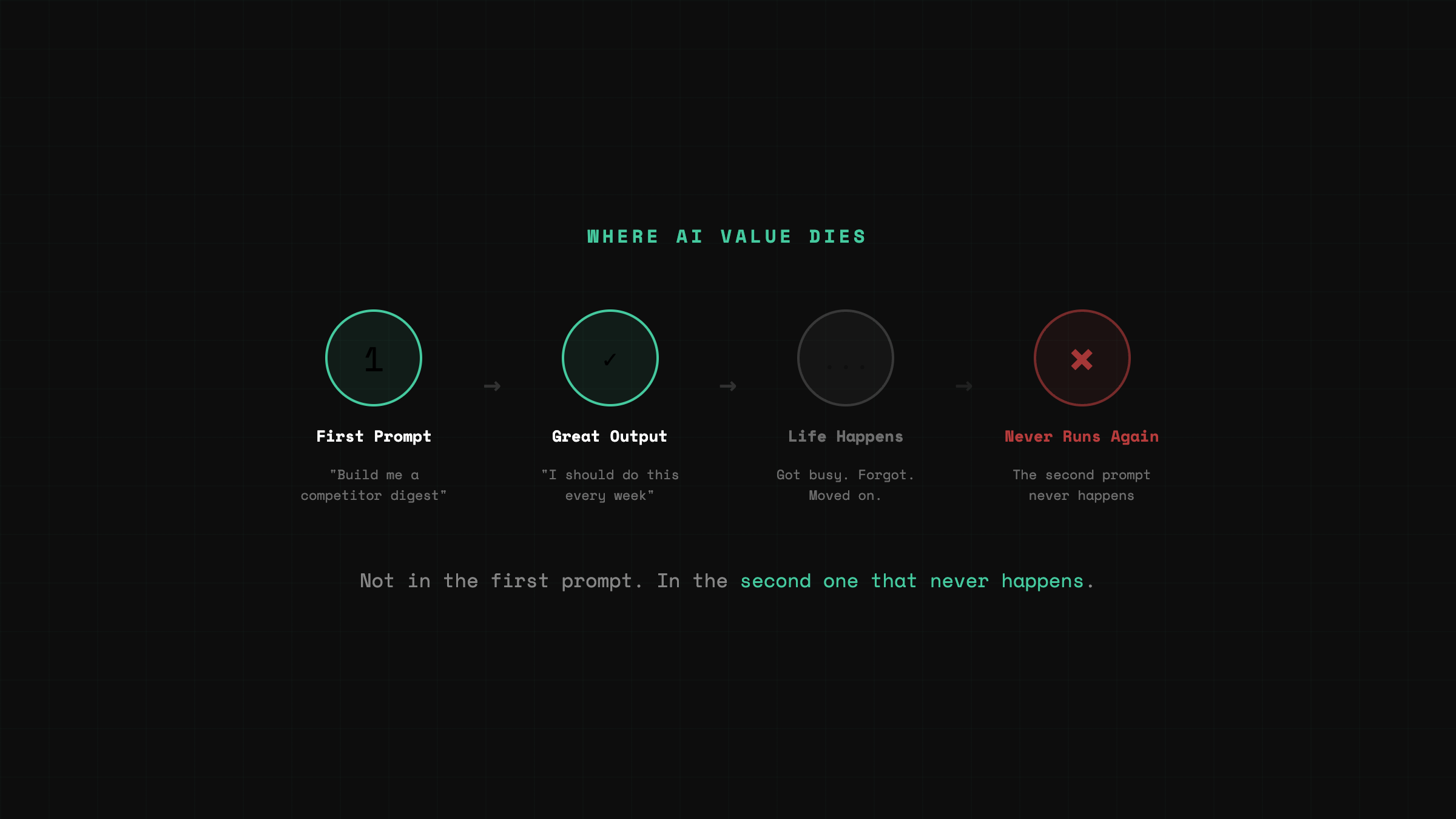
The first time you prompt Claude to build a competitor digest, it’s great. Real insight. You think: I should do this every week. Then you don’t. Not because it stopped being useful. Because you got busy. Because the task wasn’t hard enough to put on your calendar but valuable enough that skipping it costs you.
That is where most AI value dies. Not in the first prompt. In the second one that never happens.
Scheduled tasks fix that specific failure mode.
What Actually Shipped
Cowork now lets you create recurring and on-demand tasks. Open Claude Desktop, go into Cowork, type /schedule or click Scheduled in the sidebar. Write the prompt once, pick the cadence, it runs.
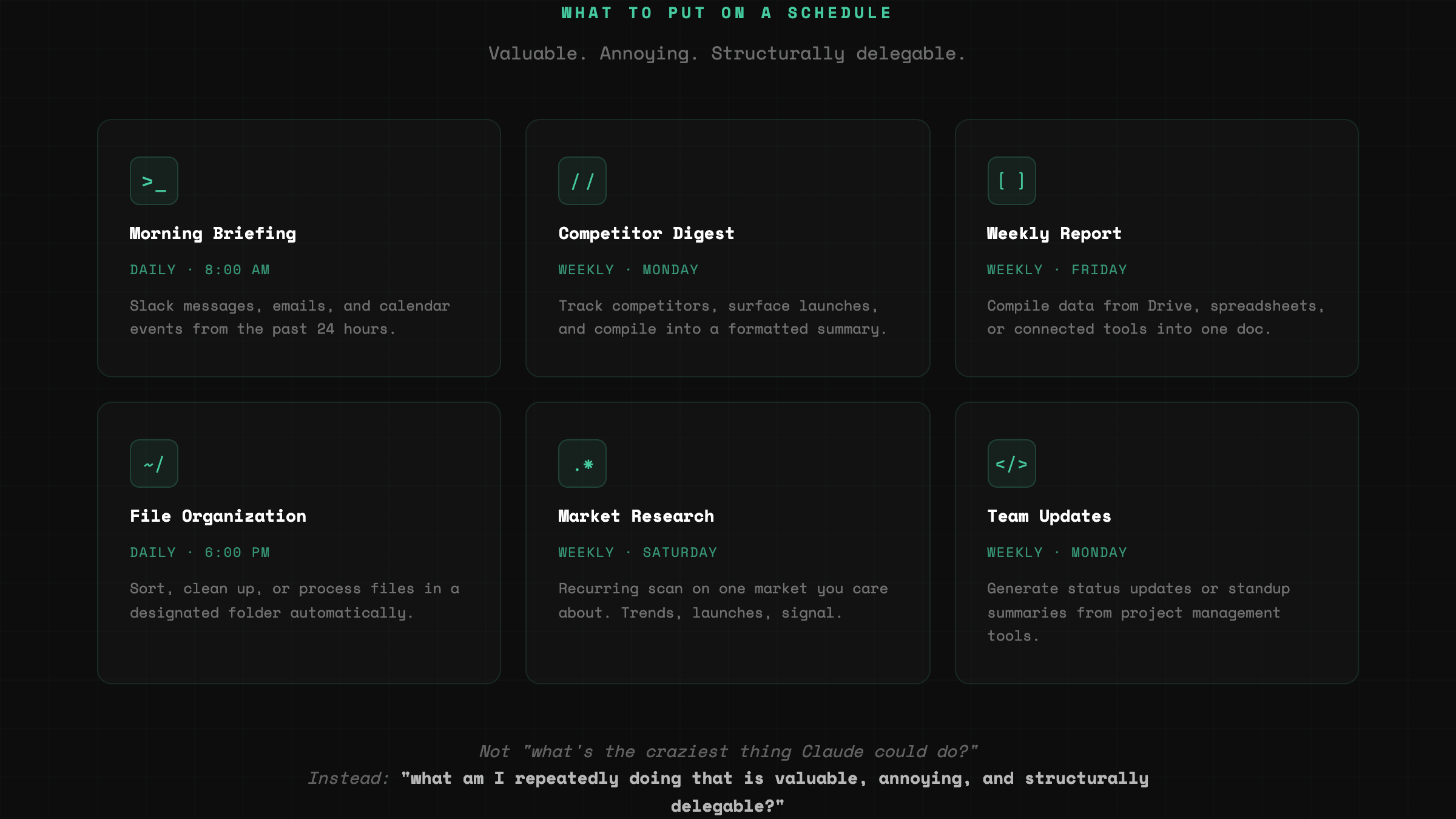
Anthropic’s own examples are telling. Daily briefings from Slack, email, or calendar. Weekly reports from Drive or spreadsheets. Recurring research on competitors or market topics. File organization. Team updates built from project tools.
When a scheduled task runs, Claude uses your original prompt as instructions, executes at the cadence you chose, and saves the result as its own Cowork session. You write the job once. It stays written.
How It Works Under the Hood
Cowork runs directly on your computer. Not purely in the cloud. It executes tasks in an isolated environment and delivers outputs back to your file system.
Scheduled tasks inherit that same local model. They access connected tools, plugins, skills, files, and whatever connectors you already have configured.
This is not “Claude sends me a reminder.” It can do work against your environment. Pull from Slack. Read local files. Generate the report. Leave the output waiting.
What I Actually Put on a Schedule
I didn’t start with something flashy.
I picked the task that kept slipping: Sunday session prep.
Every week I run a live building session. The prep is always the same. Scan what shipped that week in AI tools. Check what’s trending on X. Figure out what the audience cares about right now so the session lands on something real, not something stale.
It takes maybe 30 minutes when I do it well. The problem is I don’t always do it well. Some weeks I’m deep in ClawShip. Some weeks I’m behind on content. The prep gets compressed into Saturday night or skipped entirely, and I walk into Sunday running on instinct instead of signal.
So I scheduled Claude to run that scan every Saturday morning. Pull trending AI topics from X. Surface tool launches and feature drops from the past seven days. Leave the output waiting.
On the first run, I expected a rough list. What I got was closer to a briefing.
It had flagged a tool launch I’d missed completely.
Not a minor update. A shipping product that was already getting traction in builder communities while I was heads-down on other work. The kind of thing I would have caught if I’d done my normal scan that week. But I hadn’t. Because the prep had slipped again.
That was the moment.
Not because the output was magical. Because it caught something real that I’d already missed by doing my prep manually and inconsistently.
The feature stopped being theoretical right there.
This isn’t about Claude being smarter than me at research. It’s about the fact that a task I already knew mattered finally had a clock attached to it. And the first time it ran, it proved why it needed one.
The Best Use Cases Are Boring on Purpose
This is where people get distracted. They hear “scheduled AI tasks” and jump to agent fantasies.
The real value is in boring repetition.
A daily morning briefing built from Slack and email. A weekly competitor digest dropped into a doc. A recurring research pass on one market you care about. A regression checklist run on a cadence.
Conservative use cases are usually where product-market fit hides. If a tool saves you from redoing the same useful thing every week, it compounds fast.
Not “what’s the craziest thing Claude could do on schedule?”
Instead: “what am I repeatedly doing that is valuable, annoying, and structurally delegable?”
The Catch
This is not a cloud worker that runs forever while your laptop sleeps in the other room.
Cowork scheduled tasks only run while your computer is awake and the Claude Desktop app is open. It requires a paid plan. It is still labeled a research preview. Anthropic explicitly warns users not to schedule tasks involving sensitive files, purchases, or actions hard to undo.
It means this is not yet “infrastructure.” It is still “your laptop as infrastructure.”
And honestly, that’s fine for now.
Because the real breakthrough is not that Claude is fully autonomous. The breakthrough is that the work itself can be defined once and executed repeatedly.
What This Changes for Solo Founders
The most valuable thing AI has done for solo founders is not making code faster. It’s making org structure cheaper.
First you got help generating work. Then you got help executing work. Now you’re getting help remembering and repeating work.
That sounds small until you realize how much founder drag lives in repeated tasks.
The weekly research doc never gets compiled. The Monday review never happens. The pipeline check gets skipped. The operating rhythm collapses under everything else.
The problem is not “I don’t know what to do.”
The problem is “I know what to do, but I have to manually trigger it every single time.”
Scheduled tasks change that. Not by making Claude autonomous. By giving it a clock.
You Are No Longer Just Prompting
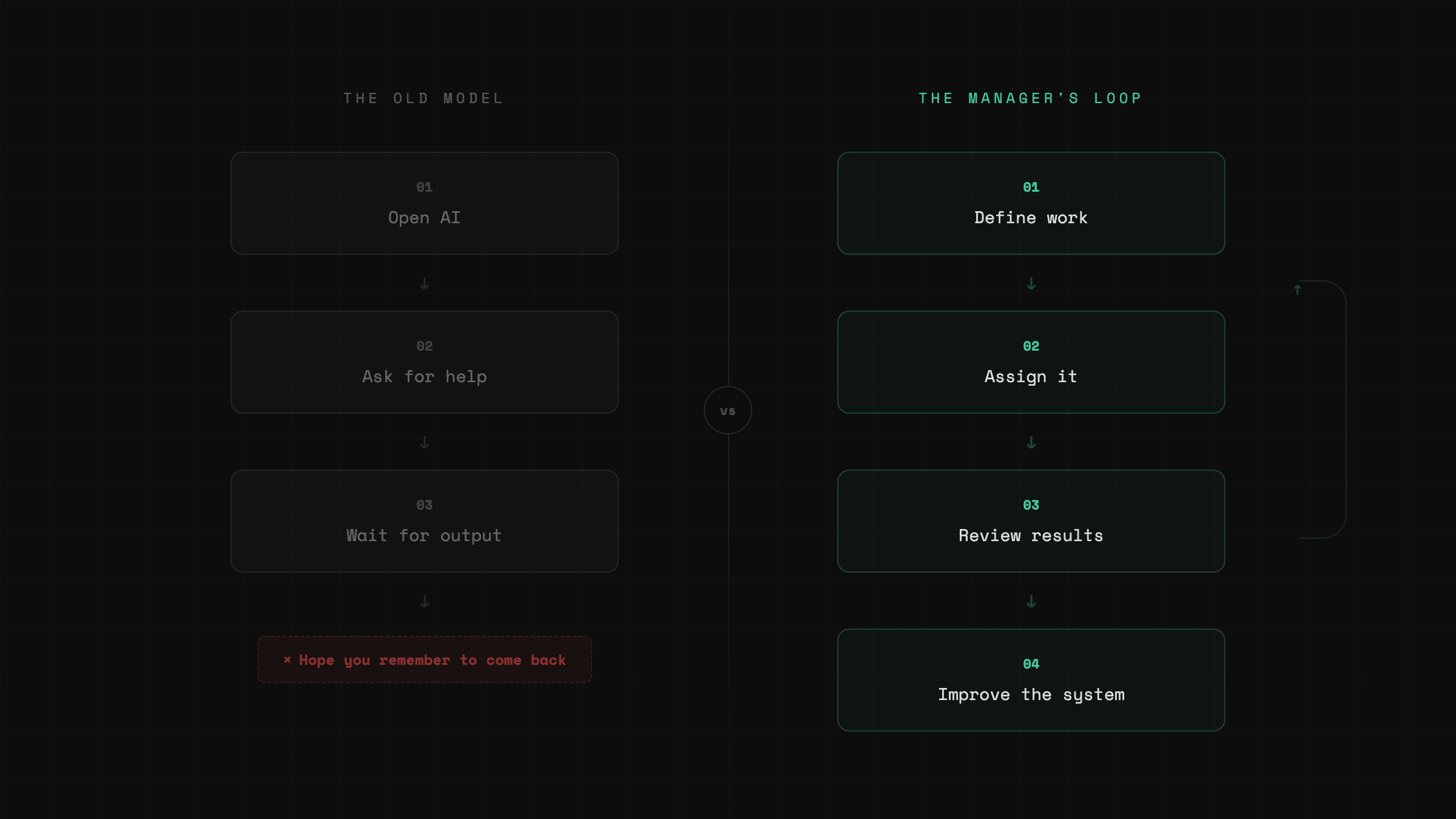
The old model: open AI, ask for help, wait for output.
The new model: define work, assign it, review results, improve the system.
That is a manager’s loop.
Still early. Still rough. Still tied to an awake desktop.
But the direction is obvious.
Claude stops responding only when you remember to ask.
It starts showing up on a cadence.
For anyone building alone, that is a very different kind of leverage.
Reply and tell me what task you’d put on a schedule first.
— Aj, @thevibefounder