Getting the Bot Running Is 5 Minutes. What Comes After Takes Most People Weeks.
The exact method I used live on Sunday to turn a running bot into a system that works without you.

The last 3 carousels built with this framework: 36K views, 35.8K views, 16.7K views. Same structure. Different topics. Built in under an hour each.
Most people who set up an AI agent hit the same wall.
The bot is live. It responds. It sounds smart. But every time you open it, you start from scratch. You re-explain the task. You re-set the context. You babysit the output.
That’s not automation. That’s just a chat window with extra steps.
The problem is not the bot. The problem is that the bot has no instructions to follow when you’re not there. No process. No memory of how you want things done. Nothing to run on except whatever you type next.
There is a fix. It’s called a skill. And most people building with AI have never heard of it.
I run live building sessions every Sunday. 450+ builders, screen share, no script, shipping real things in real time. Last session, 50 people got their first AI agent live on ClawShip. Within 20 minutes, most of them were stuck for exactly the reason above.
So I scrapped the agenda and spent the rest of the session building a skill live on screen. Start to finish. Every prompt, every step.
This post is the full method.
What A Skill Actually Is
Before the steps, get this clear. Most people get it wrong.
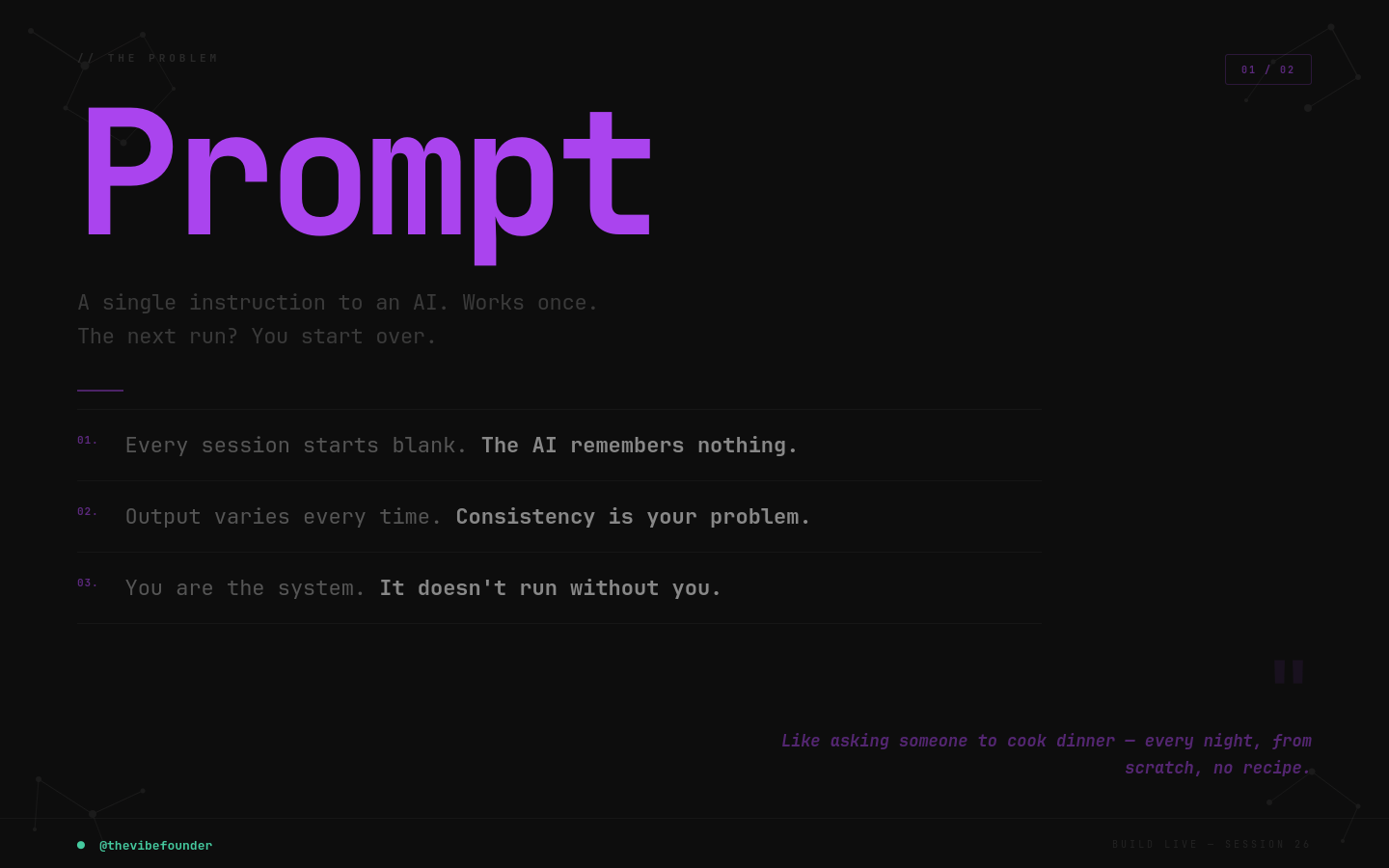
A skill is not a prompt.
A prompt is a one-time instruction. You type something, the model responds, done. Tomorrow you type it again. Nothing is remembered. Nothing is systematised. You are always the bottleneck.
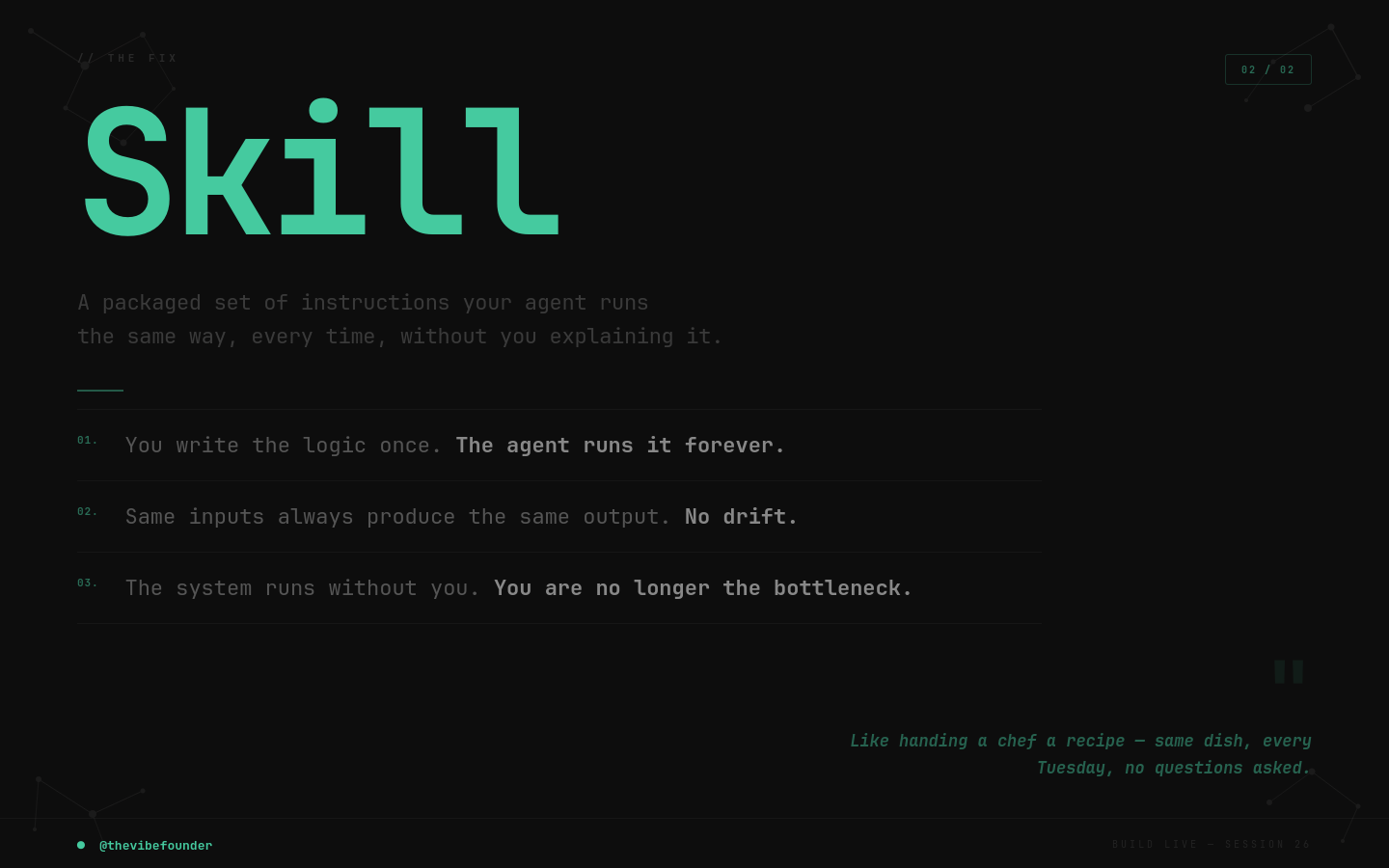
A skill is a packaged framework. Inputs, process steps, output format, constraints. Installed into an agent so it executes the same task the same way every time, without you re-explaining anything.
Think of it this way. A prompt is asking someone to cook you dinner. A skill is the recipe you hand a chef so they can make the same dish every Tuesday without asking what goes in it.
Most people are optimising for better prompts. That’s the wrong target. The goal is a process written down clearly enough to hand off. When you have that, you’re not using AI once. You’re installing a system.
The Method: Find, Copy, Enhance, Package, Install
Every skill I build follows this sequence. Carousel posts. Research memos. Lead summaries. Doesn’t matter what the task is.
For Session 26, I used it live to build a skill that automates casual Instagram carousels. The format that consistently pulls 10,000+ views with minimum effort.
Here’s every step.
Step 1: Find Something Worth Copying
Start with an example of the output you want.
Not inspiration. Something to reverse-engineer.
I found a carousel with the right structure. The pacing, the length, the visual format. The question I always ask first: if someone handed me this output and said “make more like this,” what would I need to know?
Take a screenshot or copy the text. That’s your raw material.
What makes a good template: a clear repeatable structure, an output format you can describe in words (number of slides, word count, visual style), and something you’d want to produce at least weekly.
Step 2: Ask Claude To Copy It
Open Claude. Give it the example with this prompt:
“Here is a [post/template/format] I want to replicate. Create a copy using made-up content. Keep the exact structure, style, and format. Don’t improve it, just match it.”
You want a rough copy first. Not your version. Just proof the model understood the structure.
Why copy before you enhance? Because if the structure is wrong, your enhancements are built on a broken foundation. Get the skeleton right before you touch the aesthetics.
Review what comes back. Same rhythm? Same length? Same moves? If yes, move to step three.
If it’s off, correct specifically. “The original had 5 slides, this has 9. Keep it to 5.” Fix structure before touching anything else.
Step 3: Enhance It
Now you add your taste.
For the session I wanted the carousel to feel like a newsroom. Typewriter aesthetic, higher contrast, punchier copy. I told Claude exactly that:
“I like typewriter-style fonts and I want this to feel more like a newsroom. Enhance the design direction and make the copy more punchy.”
Two things that matter here.
Be specific about what you want changed. “Make it better” does nothing. “Cut the word count by 30% and increase contrast between the hook and the body” does something.
Change one dimension at a time. Copy, then visual style, then pacing. So you can see what each change does. If you change everything at once, you don’t know what worked.
Save the version you like. That becomes your master example.
Step 4: Package It As A Skill
Most people stop at the output they like. That’s the mistake.
With your enhanced version open, give Claude this prompt:
“Turn this into a reusable skill. Include: the inputs required, the step-by-step process, the output format, and any constraints or rules to follow every time.”
What comes back is your skill file. It will typically include a reference name, brand and context notes, input requirements, process steps, and output format.
Review it carefully. Make sure it captured everything from the enhancement step. Word count rules, visual style, structural constraints. If something’s missing, add it manually.
This file is the instructions your agent follows every time. It’s the recipe.
Step 5: Install It
Once you have the skill file, you can request it to be added to your ClawShip bot.
The skill gets assigned to your bot and becomes part of how it operates. You give the bot a topic, tell it to use the carousel skill, and it produces the output without you explaining anything.
We tested the finished skill on both Claude and GPT-4 during the session. Claude produced output closer to the original structure. GPT-4 understood the intent but drifted from the format. Worth knowing if you’re building across platforms. Build on Claude first. It’s more literal with structured frameworks. Once you have a working version, adjust the language to tighten it for other models.
What This Looked Like In Practice
The carousel skill we built on Sunday was for the Stat Hook format. The deep-dive 10-slide carousel. Same structure, same typewriter aesthetic, same pacing. Different topics, zero re-explaining.
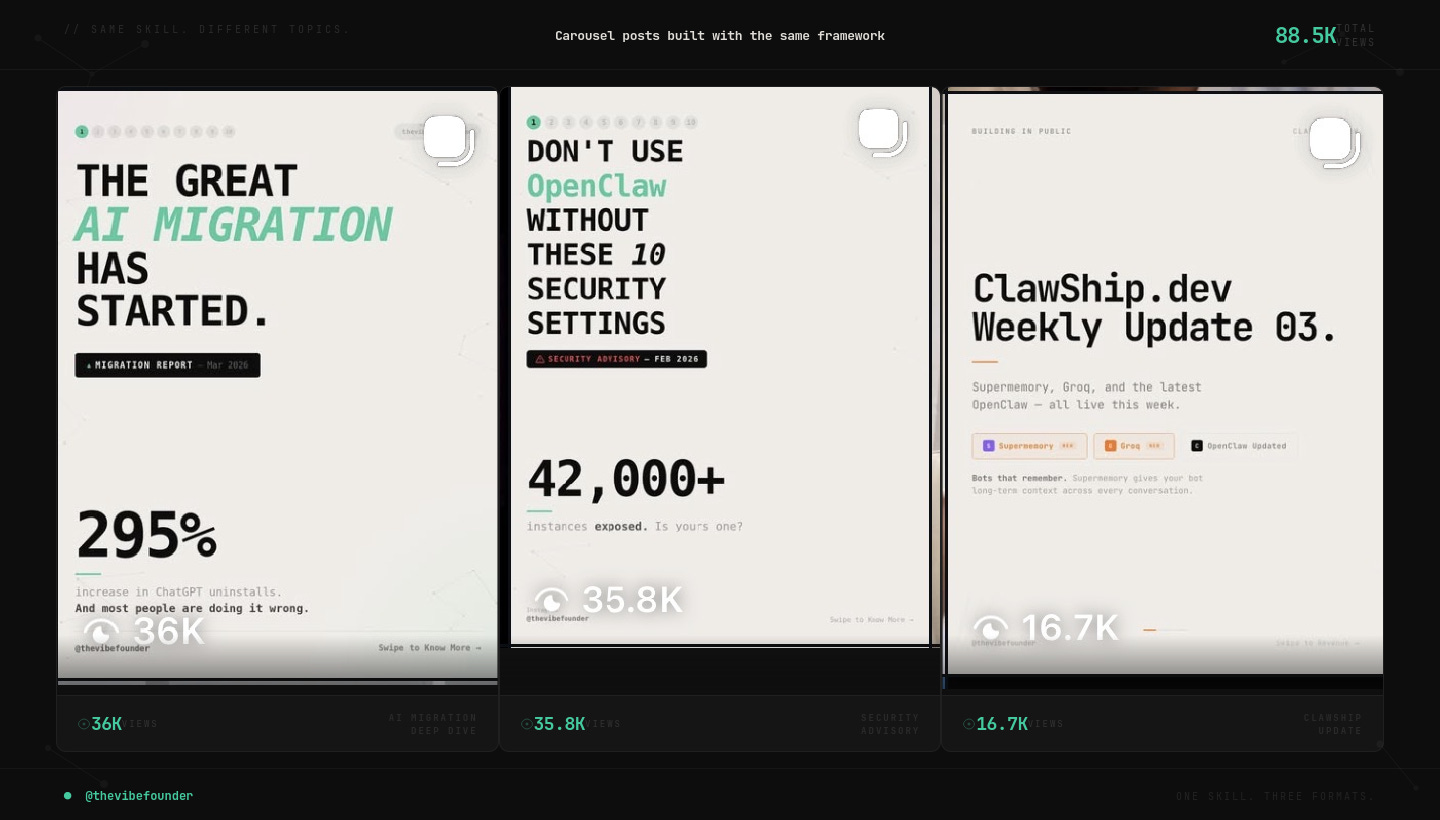
Same format. Built once. Runs every time.
Your First Skill
Pick one task you do at least twice a week. Doesn’t have to be content. A brief, a research summary, a call recap. Anything with a consistent structure.
Do it once manually. Write down every step.
Give it to Claude with the method above.
By step four, you have a skill. By step five, your agent runs it.
The first one is slow. The second is faster. By the fifth, you’ll see the system.
The Full Process
Find: an example of the output you want
Copy: exact structure, made-up content, verify the format
Enhance: add your voice, aesthetic, constraints, one dimension at a time
Package: inputs, process, output format, rules, all in one file
Install: request it on your ClawShip bot, run a live test
Every skill I’ve built follows this sequence. Carousels. Research memos. Launch posts. Content audits.
The tool is not the bottleneck.
The task you haven’t written down yet is.
— Aj, @thevibefounder